
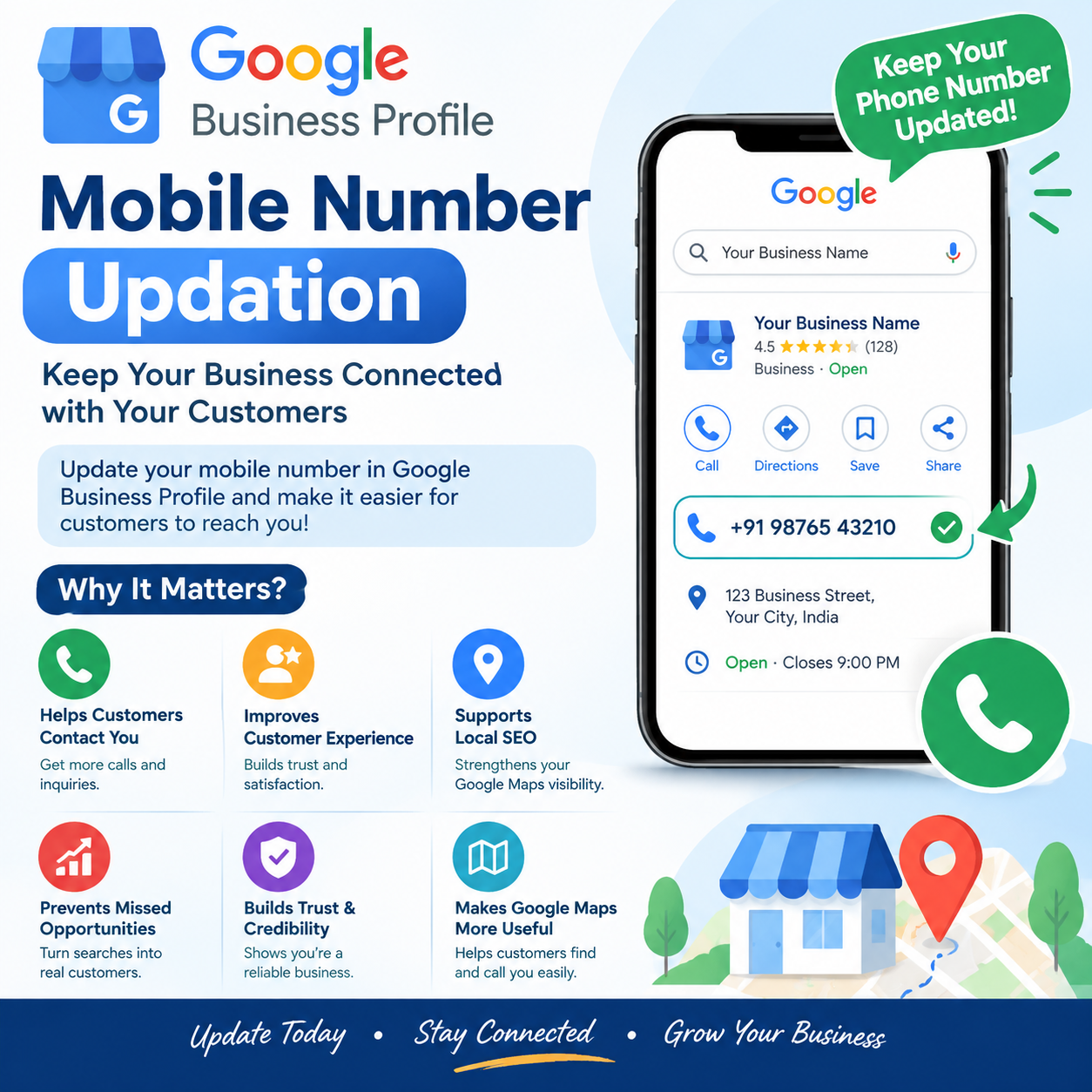
A Google Business Profile (GBP) helps businesses connect with customers through Google Search and Google Maps. One of the most important details in a profile is the business phone number. Keeping your mobile number updated ensures that customers can contact your business easily and helps maintain accurate business information online.
If your business has changed its contact number, updating the mobile number in your Google Business Profile should be a priority. In this blog, we will discuss the uses and benefits of mobile number updation in Google Business Profile, along with important SEO considerations.
Mobile Number Updation in Google Business Profile means changing or updating the phone number displayed on your Google Business Profile. This number may appear when customers search for your business on Google Search or Google Maps.
An updated phone number allows customers to:
Accurate contact information is an essential part of maintaining a professional online presence.
The primary benefit of updating your mobile number is making sure customers can reach you. If an old or inactive number is displayed, customers may be unable to contact your business. A current phone number makes it easier for potential customers to make inquiries and take action after finding your business on Google.
Customers expect business information on Google to be accurate. An incorrect phone number can create frustration and may cause customers to look for another business. Updating your contact number provides customers with a reliable way to communicate with your business.
Your Google Business Profile is an important component of local SEO. Accurate business information, including your phone number, helps maintain consistency across your online presence. For businesses targeting local customers, keeping the profile information current is an important part of ongoing Google Maps SEO and local SEO efforts.
When customers find your business through Google Search or Google Maps, they may want to call immediately. If the listed number is outdated, you could miss potential leads. An updated mobile number gives interested customers a direct communication channel.
Accurate business information can contribute to a professional and trustworthy online presence. Customers are more likely to feel confident when the business name, address, website, hours, and phone number are properly maintained. Regularly reviewing your Google Business Profile helps ensure that customers receive current information.
Many customers use Google Maps to discover local businesses. Your phone number may be displayed alongside other business information. By maintaining an updated number, you make it easier for customers who discover your business through Google Maps to contact you.
Businesses may change their phone numbers because of:
Whenever your official contact number changes, your Google Business Profile should be reviewed and updated.
Updating a phone number by itself does not guarantee higher Google rankings.
However, maintaining accurate and complete business information is an important part of managing a Google Business Profile and supporting local search visibility. Local SEO involves multiple factors, so businesses should also pay attention to business categories, location information, website relevance, reviews, business hours, and other profile information.
The main purpose of updating the phone number is to ensure that customers can contact the correct business easily.
Businesses should avoid the following mistakes when updating their Google Business Profile:
Continuing to display an inactive number can result in missed calls and customer inquiries.
Always double-check the digits before submitting an update.
If your business has changed its official phone number, review your website, social profiles, directories, and other business listings for outdated information.
After making changes, check how your business information appears in Google Search and Google Maps and monitor whether customers are successfully reaching you.
You should consider updating your Google Business Profile phone number when:
Good to Update Mobile Number in Your Business Profile
Good to Update Mobile Number in Your Business Profile